
Ecommerce Automation Tools: 10 Options Compared for 2026
Compare 10 ecommerce automation tools by use case: inventory, orders, marketing, shipping, and AI workflows, with Amazon seller fit and pricing links.
The best ecommerce automation tools depend on the system being automated. Shopify Flow and Zapier handle store and cross-app routing, Klaviyo and Omnisend handle customer messaging, and ShipStation handles shipping. Multichannel platforms cover inventory and orders. For Amazon data read by AI clients, Agent Central is a hosted MCP server.
That distinction matters on a normal Monday morning. An operator opens Seller Central for inventory, Amazon Ads for spend, Shopify for store orders, and a spreadsheet to join the three. A bid looks wrong, but the sales report hasn't refreshed, stock data sits elsewhere, and nobody can tell which number is authoritative.
The useful question isn't whether to automate. It's which system reads the data, which system writes changes, and what approval sits between the two.
Table of Contents
- 1. Agent Central
- 2. Shopify Flow
- 3. Zapier
- 4. Make
- 5. Klaviyo
- 6. Omnisend
- 7. Goflow
- 8. Linnworks
- 9. Sellercloud
- 10. ShipStation
- Which Ecommerce Automation Tool Covers Which System?
- Where Should Your Ecommerce Automation Stack Start?
1. Agent Central
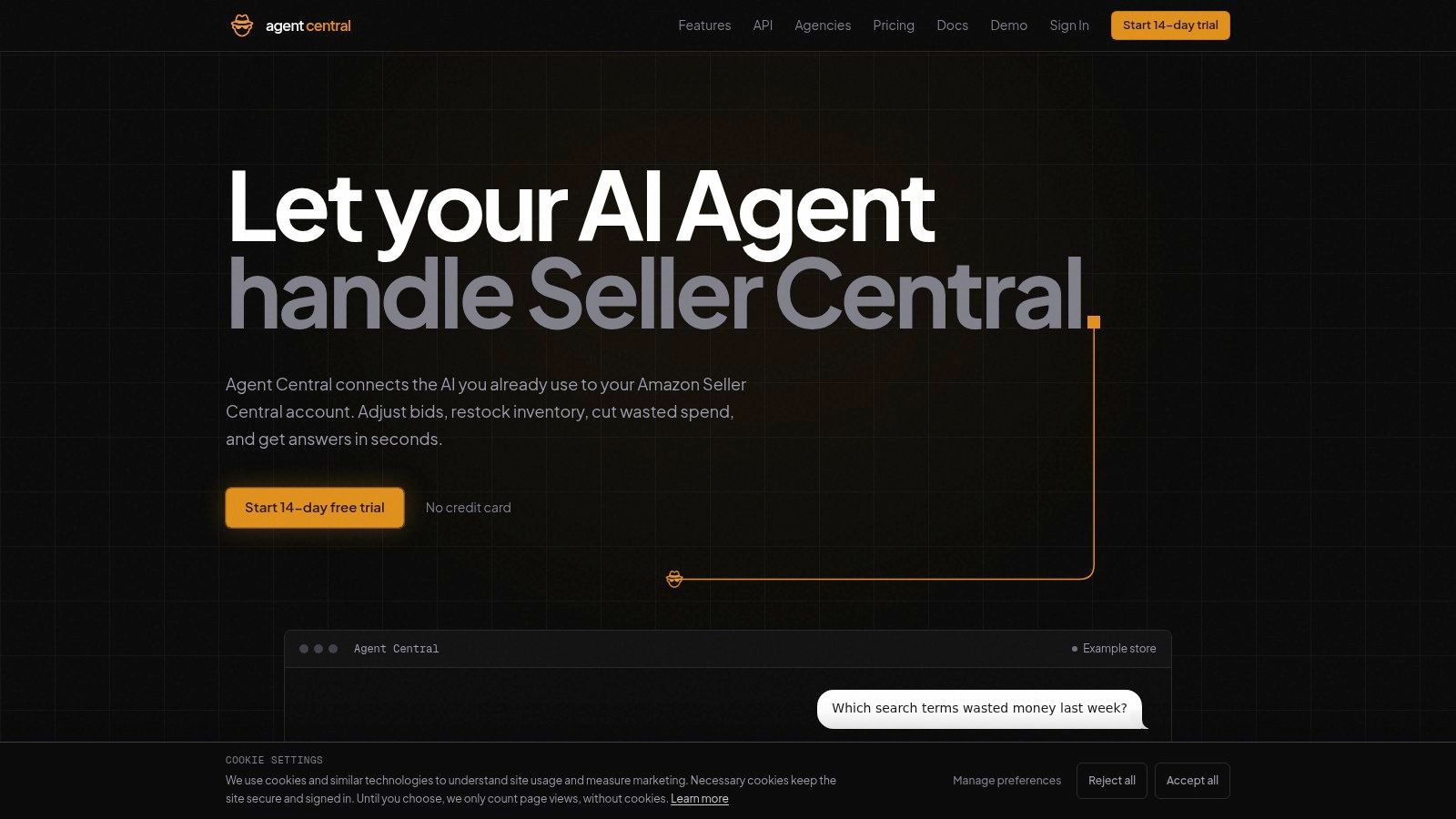
Agent Central puts Amazon account data inside the AI client a team already runs. It's a hosted MCP server connecting Seller Central and Amazon Ads to Claude, ChatGPT, OpenClaw, Cursor, and other MCP clients. One connection covers advertising, inventory, finance, catalog, fulfillment, and keyword ranking across 23 Amazon marketplaces, joining data across Amazon's separate reports and APIs.
Account data syncs on a schedule, so agents query prepared records instead of waiting on Amazon's asynchronous reports. A subset of tools calls Amazon directly for live reads like Buy Box status, current rank, and offer pricing; those calls are slower than prepared reads because they wait on Amazon. The same account data is available through a read-only REST API and a CLI for dashboards, scripts, cron jobs, and CI steps.
What reads and writes are allowed
Agent Central returns facts, metrics, and Amazon's own fields, not recommendations. The user's agent or workflow decides what to do with them. Supported writes include bids, budgets, campaign states, listings, prices, seller-managed inventory quantities, and MCF orders, plus FBA inbound shipment steps on keys with inbound shipping turned on and while the server has those writes enabled. Every write is previewed before confirmation, protected against duplicate submissions, and logged with before-and-after values where available.
Access runs through Amazon's authorization plus a scoped API key, a Connector URL, or Claude's OAuth connection, and each seller account's data stays separate. The scheduled sync also matters against Amazon's own throttles: serving prepared records means a follow-up question doesn't request a fresh Amazon report.
Setup is short. Connect Seller Central and Amazon Ads through Amazon's OAuth flow, then add the connection to the AI client, following the Agent Central Claude quickstart. A business playbook lets the agent start each session with the seller's ACOS targets, lead times, and seasonal patterns already loaded. Plans are priced by monthly Amazon order volume and include a 14-day free trial that needs no card; current plans are on the Agent Central pricing page.
- Pros: Joins Ads and broad Seller Central data in one connection, supports multiple MCP clients plus REST and CLI access, and guards writes with previews and audit logs.
- Cons: Data syncs on a schedule and Amazon reporting delays still apply. The trial covers the most recent 30 days of data; paid plans can import up to two years where Amazon makes it available, and pricing rises with order volume.
2. Shopify Flow
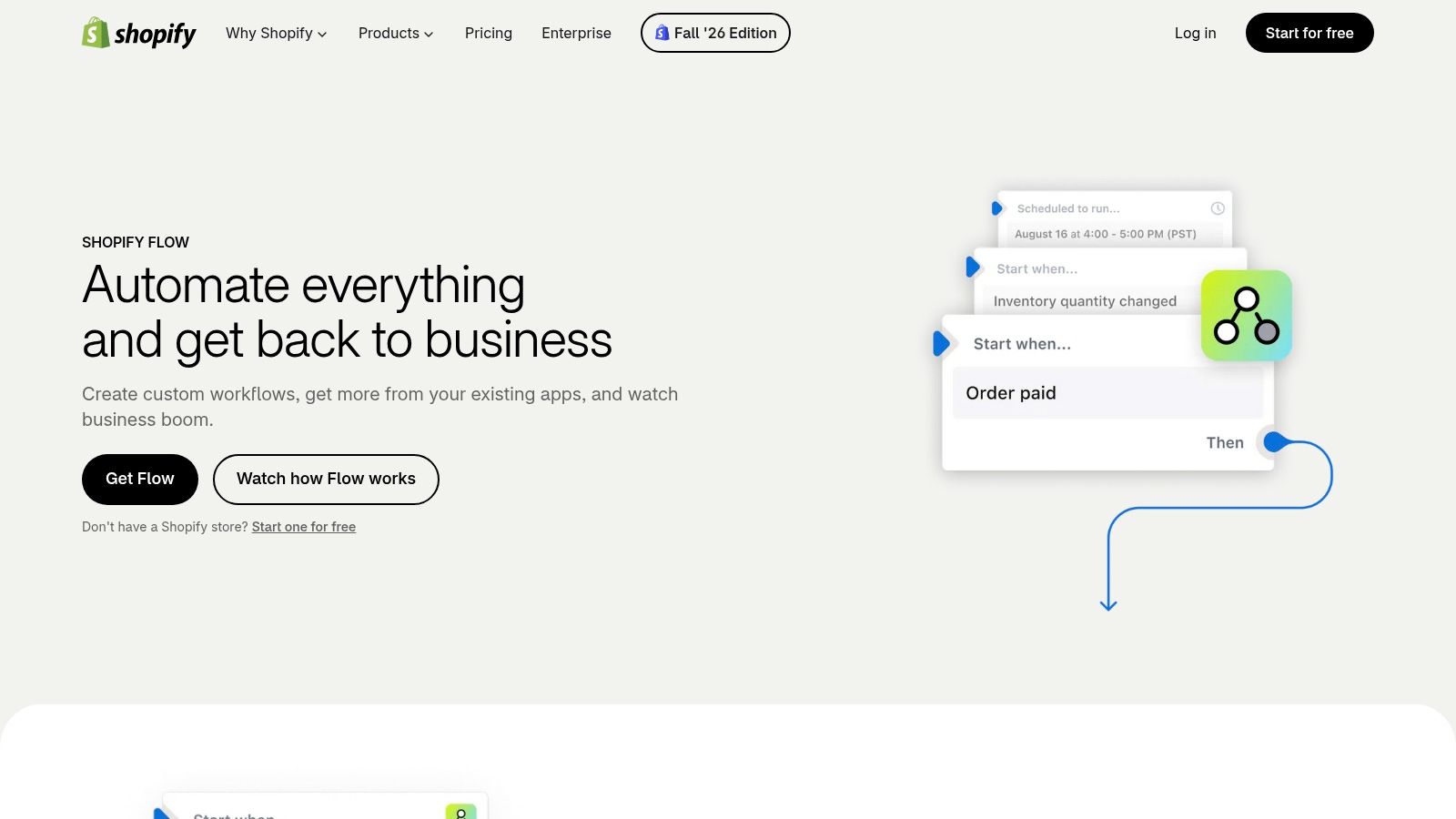
Shopify Flow is Shopify's native workflow builder. It runs inside the Shopify admin and automates routine store work with triggers, conditions, and actions. A typical flow tags a high-value order, holds a risky order for review, or notifies staff when inventory hits a threshold.
Flow reads Shopify store events and writes back to Shopify objects and connected partner apps. It doesn't read Amazon Ads or SP-API data, and it isn't a general hub for marketplace operations. That narrow scope is also the advantage. There's no separate automation account to maintain for basic store rules.
Where plan differences show up
Shopify says Flow is available on the Basic, Grow, Advanced, and Shopify Plus plans. Some actions, especially ones that call an external system, depend on the store's plan, so check Shopify's current plan details before building a workflow around them.
- Pros: Available on Shopify's main plans, native to Shopify, and workable without custom code for common store operations.
- Cons: Focused on Shopify rather than cross-system automation, with some capabilities tied to the store's plan.
For a Shopify-only store, Flow is the sensible first automation. For Amazon account data, it covers none of the reads or writes.
3. Zapier

Say a Shopify order needs to reach accounting, a CRM, and a fulfillment chat channel at once. Zapier handles that routing. Its visual builder connects Shopify order, customer, refund, product, and inventory events to thousands of business apps, including spreadsheets and team chat.
Zapier reads trigger events from one app and writes records or messages into others. Zapier MCP also lets AI clients call supported app actions.
Operator check: Price a Zap by task volume at peak order load, not by the calm test week used to build it.
Timing and cost need attention. Polling intervals can delay triggers, and usage grows with every action, so a busy multi-step Zap costs more than its first test suggests. Check the Zapier pricing page for which plans cover the apps involved.
- Pros: Broad app ecosystem, fast to start, and supports simple triggers through multi-step automations.
- Cons: Polling affects timeliness, cost rises with usage, and complex workflows need testing and upkeep.
Zapier moves data between apps well. It doesn't provide joined Amazon seller records or guarded Amazon writes.
4. Make

Make suits workflows that branch. Its scenario builder uses routers, filters, and data transformation to send an order down different paths by product, geography, or fulfillment status. That visual logic suits operators who outgrow a linear trigger and action chain but don't want a custom service.
Make integrates with Shopify and thousands of other apps, and it offers an MCP server and AI-related capabilities for agent-connected workflows. Readers comparing agent tooling can review the best AI agent tools alongside Make's scenario model. The difference is scope. Make routes and transforms data between apps. It doesn't supply Amazon account history on its own.
Usage controls the real cost
Pricing is usage-based, so busy scenarios cost more than quiet ones. Current plans and allowances are on the Make pricing page; model peak volume against them before launch.
- Pros: Flexible multi-step design and strong conditional logic.
- Cons: Scenarios take time to design and troubleshoot, and credit burn is hard to forecast before launch.
5. Klaviyo
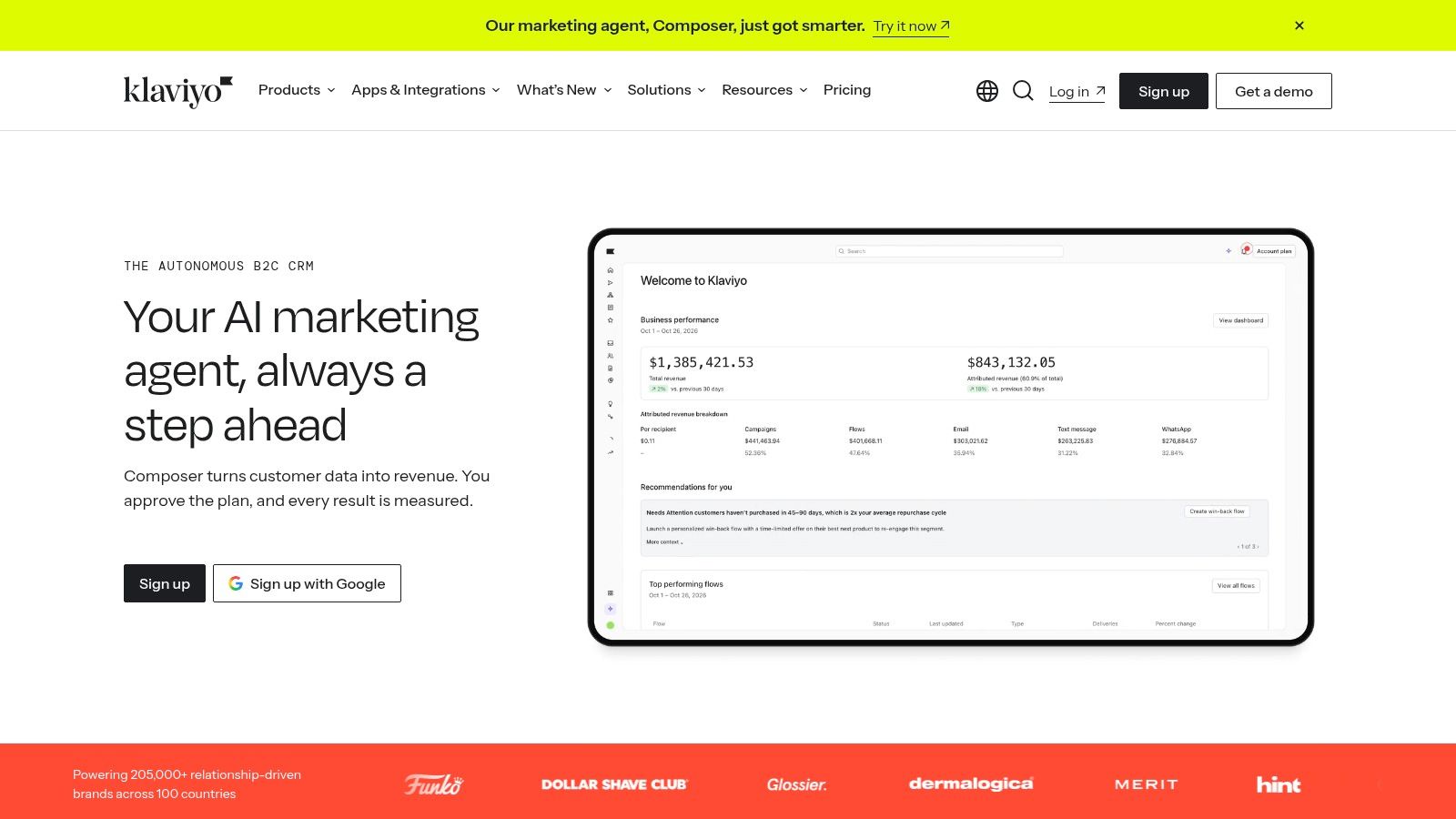
Klaviyo automates customer messaging, not operations. It reads customer, purchase, and browsing data from an ecommerce store and writes triggered email and SMS campaigns. Welcome, post-purchase, and win-back flows are the core use cases, with segmentation built around commerce behavior rather than generic list fields.
Reporting and campaign revenue attribution help marketers tie sends to orders. Current plans are on the Klaviyo pricing page.
Pricing rises with audience size and messaging volume, and SMS carries separate usage and regional considerations. A growing list changes the bill even when flows don't change. That cost curve should be modeled before migrating a large list.
- Pros: Built around ecommerce customer and purchase data, with mature lifecycle programs.
- Cons: Costs scale with profiles and sends, SMS needs separate checks, and it doesn't replace order management or fulfillment software.
Klaviyo reads the storefront customer record. It doesn't manage marketplace listings, inventory, or Amazon Ads.
6. Omnisend

Omnisend covers the same messaging ground as Klaviyo with a simpler on-ramp. Pre-built workflows for common ecommerce journeys shorten setup for welcome series, cart reminders, and post-purchase messages.
The platform reads store customer and order activity and writes email and SMS campaigns. It doesn't route warehouse work, sync marketplace inventory, or change Amazon listings. Keeping that boundary clear prevents a common buying error, where a marketing platform gets expected to fix operational delays.
What to verify before choosing a plan
Contact count and messaging volume drive usage and pricing; current plans are on the Omnisend pricing page. SMS requirements deserve a check before commitment, since a flow that looks cheap in email can cost materially more when text messages carry the reminder sequence. List growth also moves a store between tiers without any workflow change.
- Pros: Ecommerce-focused messaging and pre-built journeys that shorten setup.
- Cons: Primarily a marketing platform, with contact and messaging limits that matter as lists grow.
Omnisend fits stores that want standard lifecycle messaging running quickly. Stores needing deep segmentation and attribution usually compare it directly against Klaviyo.
7. Goflow
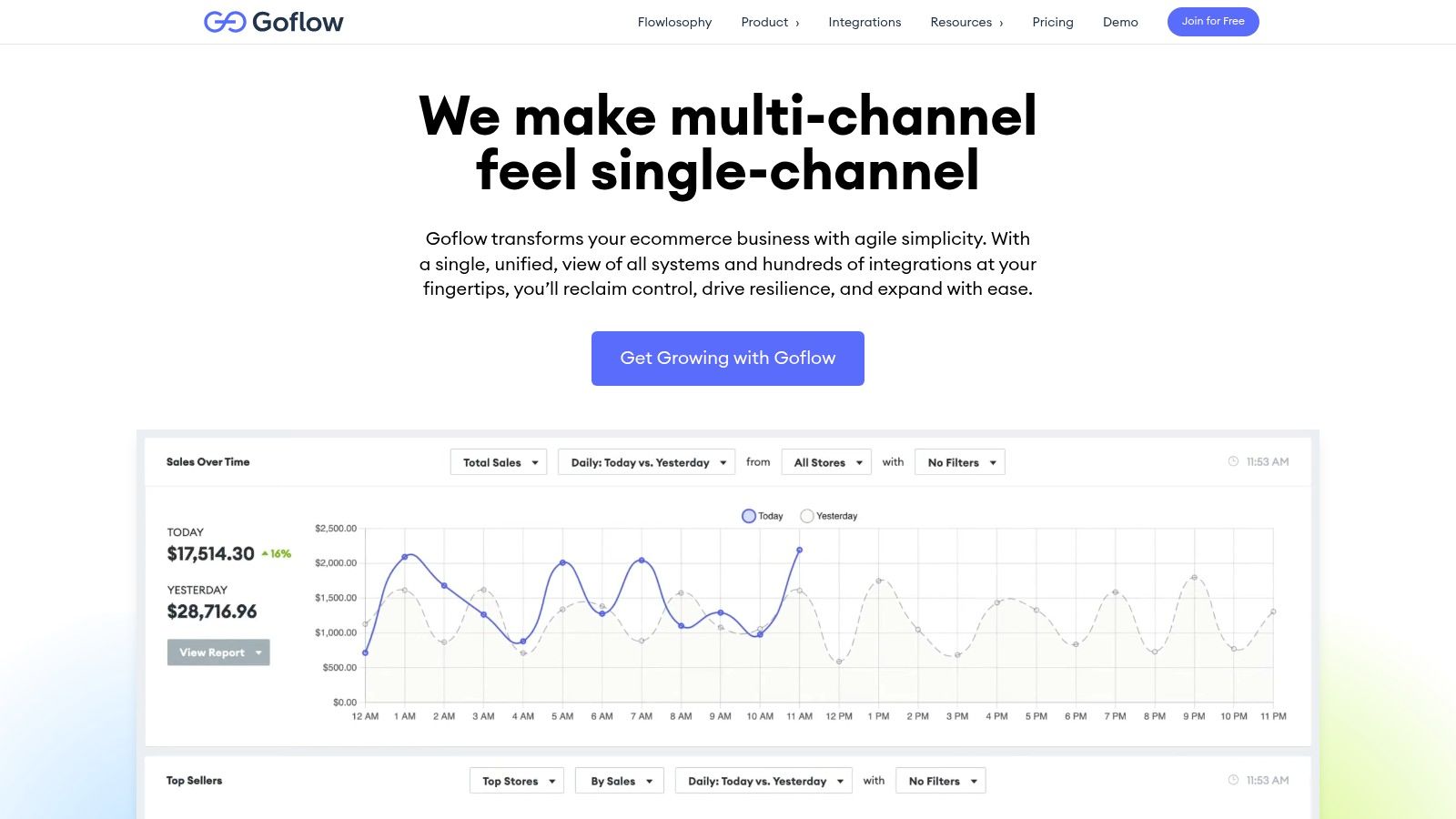
Goflow shifts the comparison from routing rules and messaging into day-to-day operations. It is a multichannel platform covering inventory, orders, listings, purchasing, shipping, warehouse work, and returns. Integrations span marketplaces, shopping carts, 3PLs, and accounting systems, so the platform reads channel orders and stock positions, then writes fulfillment updates, inventory changes, and purchase records back to each connected system.
That read-write scope is what separates it from shipping-only or messaging-only tools, and it suits sellers running several channels plus wholesale. A single-store business rarely needs purchasing and warehouse modules on day one. The decision hinges on whether order volume and channel count already justify an operations platform, or whether a lighter tool covers the gap for now.
Plan limits and current prices are on the Goflow pricing page. Check which channels, order volumes, and users each plan covers, because those caps set the upgrade trigger for a growing store.
- Pros: Broad multichannel coverage across inventory, orders, purchasing, and warehouse work.
- Cons: Plan caps need checking against order volume, and the module range can exceed what a single-store operation will use.
8. Linnworks
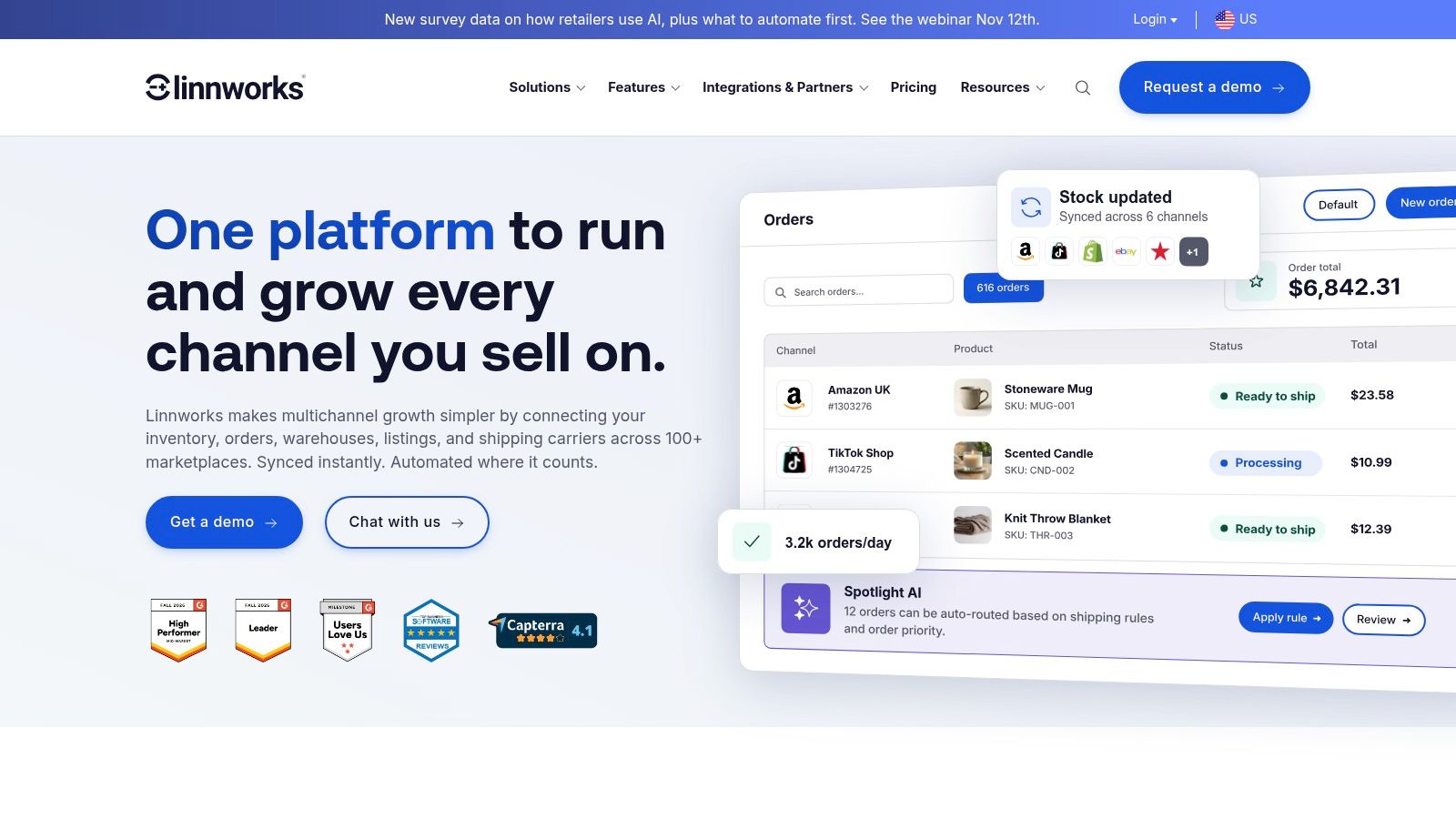
Linnworks centralizes multichannel inventory, listings, orders, shipping, and fulfillment. Its Rules Engine automates order handling and routing, which is where established sellers gain the most. A rule can send an order to a warehouse by location, stock position, or delivery promise without a person touching it.
Replenishment calculations, warehouse tools, and kits or bundles extend the platform beyond order routing. Operators working through stock policy can pair that Rules Engine with the principles in this guide to Amazon inventory management. Linnworks reads channel and stock data, then writes routing, listing, and fulfillment actions across connected channels.
Quote-based pricing hides the comparison that matters most, so total cost should include onboarding before any platform decision is signed.
The Linnworks pricing page says plans are priced on order volume, not revenue, and that every package includes a guided onboarding plan.
- Pros: Covers listing through fulfillment, prices on orders rather than revenue, and automates routing with a dedicated Rules Engine.
- Cons: Quote-based pricing makes comparison slower, and the platform is more than smaller sellers need.
9. Sellercloud
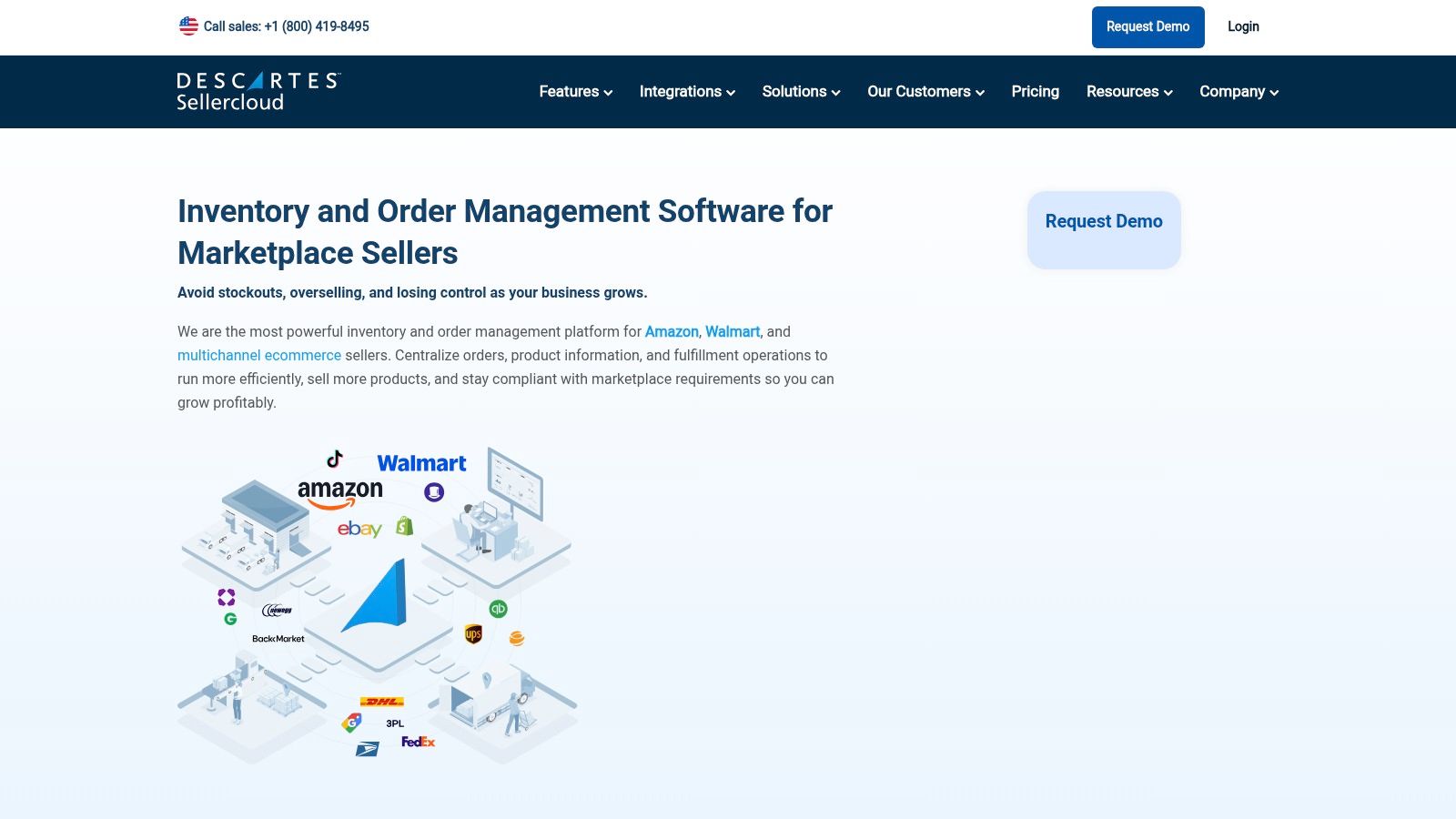
Sellercloud targets marketplace sellers running serious volume on Amazon, Walmart, and similar channels. It centralizes inventory, products, orders, listings, and purchasing, then layers on warehouse management, shipping, and reporting. Order-rule automation takes over the routine processing decisions a team would otherwise repeat all day.
Sellercloud reads marketplace and channel data and writes listing, order, and warehouse actions back. Plan contents, including API access, users, and warehouse and shipping tools, vary by tier, so the entry tier is a floor, not the full system.
Budget for implementation, not just subscription
Current pricing is on the Sellercloud pricing page, and final cost varies by volume and configuration. Implementation needs real operational planning: catalog, warehouse, and channel rules all have to be configured before the automation can be trusted.
- Pros: Purpose-built for marketplace operations and combines several functions in one platform.
- Cons: Built for larger operations, and configuration is a real project.
Sellercloud fits operators consolidating multiple operational systems under one platform.
10. ShipStation
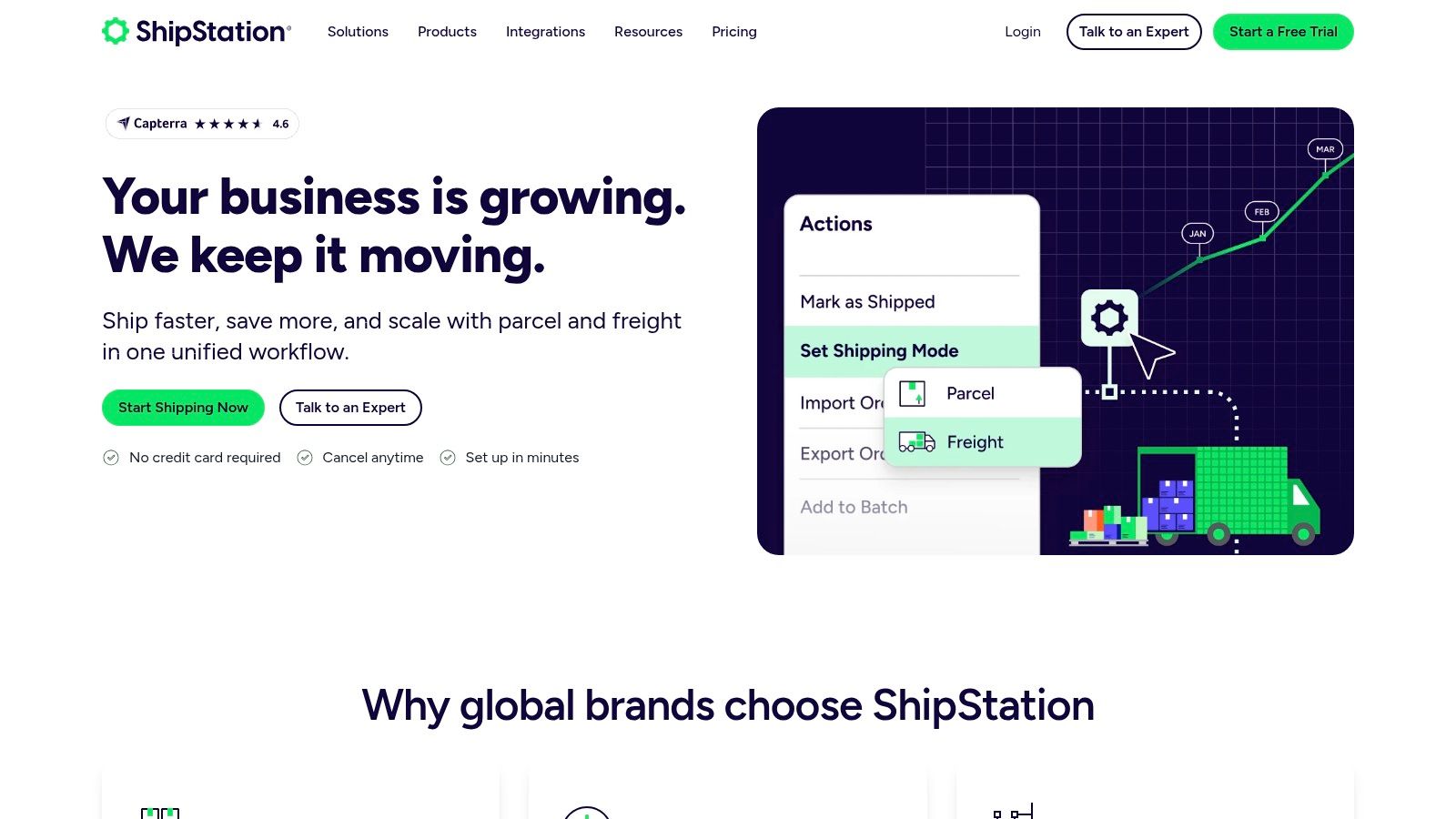
ShipStation automates the shipping step and little else, which is often enough. It imports orders from supported stores and marketplaces into one interface, then applies label-generation and rate-shopping rules. Order combine and split features handle the messy cases.
ShipStation reads order and address data and writes labels, carrier selections, and tracking updates. Some features depend on the plan. Sellers shipping Amazon orders themselves can compare that rule set against AI tools to automate FBM fulfillment before committing to a tier.
Current plans and trial terms are on the ShipStation pricing page. Postage is a separate cost from the software subscription.
- Pros: Rules that cut repetitive label work across connected stores.
- Cons: Some automation depends on the plan, postage costs extra, and it doesn't replace inventory or marketing platforms.
Which Ecommerce Automation Tool Covers Which System?
The tools above automate five different systems: Amazon Seller Central and Ads data, store and app routing, customer messaging, multichannel operations, and shipping. Group them by the system they touch before comparing price, because each one reads and writes different data. Prices change often, so the table links each vendor's own pricing page instead of quoting numbers.
| Item | Primary Use Case | Pricing | Best For |
|---|---|---|---|
| Agent Central | AI-ready Amazon data and operations | Pricing page | Amazon sellers connecting AI agents to account data and actions |
| Shopify Flow | Shopify workflow automation | Depends on the Shopify plan | Shopify merchants automating routine store tasks |
| Zapier | Cross-app workflow automation | Pricing page | Connecting Shopify workflows to other business apps |
| Make | Visual, conditional workflow automation | Pricing page | Teams building flexible multi-step automations |
| Klaviyo | Ecommerce email and SMS marketing | Pricing page | Ecommerce brands running lifecycle marketing |
| Omnisend | Ecommerce email and SMS marketing | Pricing page | Stores setting up customer journeys with pre-built workflows |
| Goflow | Multichannel ecommerce operations | Pricing page | Multichannel sellers managing inventory, orders, and fulfillment |
| Linnworks | Multichannel inventory and order operations | Pricing page | Established sellers centralizing complex operations |
| Sellercloud | Marketplace operations management | Pricing page | Larger marketplace sellers managing end-to-end operations |
| ShipStation | Shipping and fulfillment automation | Pricing page | Merchants streamlining labels, rates, and shipping workflows |
A trial or entry plan is the cheapest way to test whether a tool reads the data you need. Even a plan that covers only a fraction of your contact list or order volume tells you how the automation logic behaves before you commit.
Where Should Your Ecommerce Automation Stack Start?
Start with the system that holds the bottleneck. Then map each tool to the data it reads and the actions it can write. A messaging platform can't fix a warehouse routing problem, and a shipping tool can't reconcile Amazon Ads spend against Seller Central sales.
That data question decides whether automation holds up. When sales, inventory, and advertising definitions disagree across systems, a faster workflow just produces wrong answers sooner. Each metric needs one authoritative source before any agent acts on it.
Autonomy needs the same discipline. Separate read-only analysis, recommendations, approval-required writes, and narrowly bounded autonomous actions. Amazon enforces part of this already. Amazon uses separate applications and credentials for the Amazon Ads API and Selling Partner API, and credentials for one can't be used on the other, as the Amazon Ads and SP-API onboarding guidance explains. A workflow joining ads and seller data needs correct authorization on both systems.
Request limits shape design too. Amazon adjusts Ads API throttling dynamically, returns HTTP 429 with a Retry-After header when throttled, and recommends exponential backoff, per the Amazon Ads rate limiting reference. Automation that ignores that behavior fails at peak reporting load.
Practical rule: Approve the first write of every type manually, review the audit log against Seller Central, and only then widen the permission.
For Amazon accounts, connect Seller Central and Amazon Ads first. The trial includes the most recent 30 days of data, and paid plans can import up to two years where Amazon makes it available, so confirm the history covers the comparisons the workflow needs. Test one real workflow during the 14-day trial, such as a daily check that joins ad spend to stock levels. Scripts and server-side reporting can use the CLI and REST API once the workflow is proven.
Messaging and store tools slot in around that core. Flow, Make, Klaviyo, or Omnisend can turn shopper activity into automated messages on the storefront while Amazon account automation stays scoped, previewed, and logged. Each tool earns its place by the system it controls, not by feature count.
Connect Claude, ChatGPT, or another MCP client to joined Amazon Ads and Seller Central data with previewed writes, scoped keys, and audit logs through Agent Central. Start the 14-day free trial with no card, connect through Amazon's authorization, and run one real reporting or bid workflow against your own account data.
Related Agent Central pages
- Amazon Seller Central MCP server
Canonical hosted MCP overview for Seller Central, Ads, inventory, catalog, finance, and fulfillment data.
- Amazon seller data for AI agents
How Agent Central normalizes Amazon seller data before exposing it to AI clients.
- Connect Seller Central to Claude
Step-by-step path from Amazon OAuth to a Claude connector or MCP config.
- ChatGPT with Amazon seller data
ChatGPT-specific setup path for Amazon seller data through hosted MCP.
- Amazon Ads MCP server
Campaign, keyword, search term, budget, TACOS, and guarded ads-write tools.
- Ads tool reference
Parameter-level docs for Amazon Ads campaign, keyword, search term, budget, and TACOS tools.
Related reading
- ChatGPT and Claude Prompts for Amazon Sellers
Copy-ready ChatGPT and Claude prompts for Amazon sellers, covering Ads, listings, inventory, reports, pricing, orders, and guarded workflows.
- 7 Best MCP Servers for Amazon Sellers in 2026
Compare the best MCP servers for Amazon sellers, including hosted Amazon MCP servers, official tools, security, audit logs, integrations, and pricing.
- 8 Common Mistakes to Avoid as Amazon Sellers
Learn 8 common mistakes to avoid in Amazon seller and MCP workflows, from API delays and weak permissions to unsafe writes and missing audit trails.
- Fulfillment Center Automation: Seller's Guide
Learn how fulfillment center automation works, from AMRs and WMS to MCP workflows, plus ROI, KPIs, and implementation steps for Amazon sellers.
Connect Amazon seller data to your AI client.
Agent Central gives Claude, ChatGPT, OpenClaw, Cursor, and other MCP clients structured access to Amazon Ads, Seller Central, inventory, orders, catalog, finance, and fulfillment data.